For small teams

One account where your team plans, reviews and publishes.

One account with a calendar, a review gate and your publishing connections. Solo has one seat, so one person runs the queue while the team decides what to write.
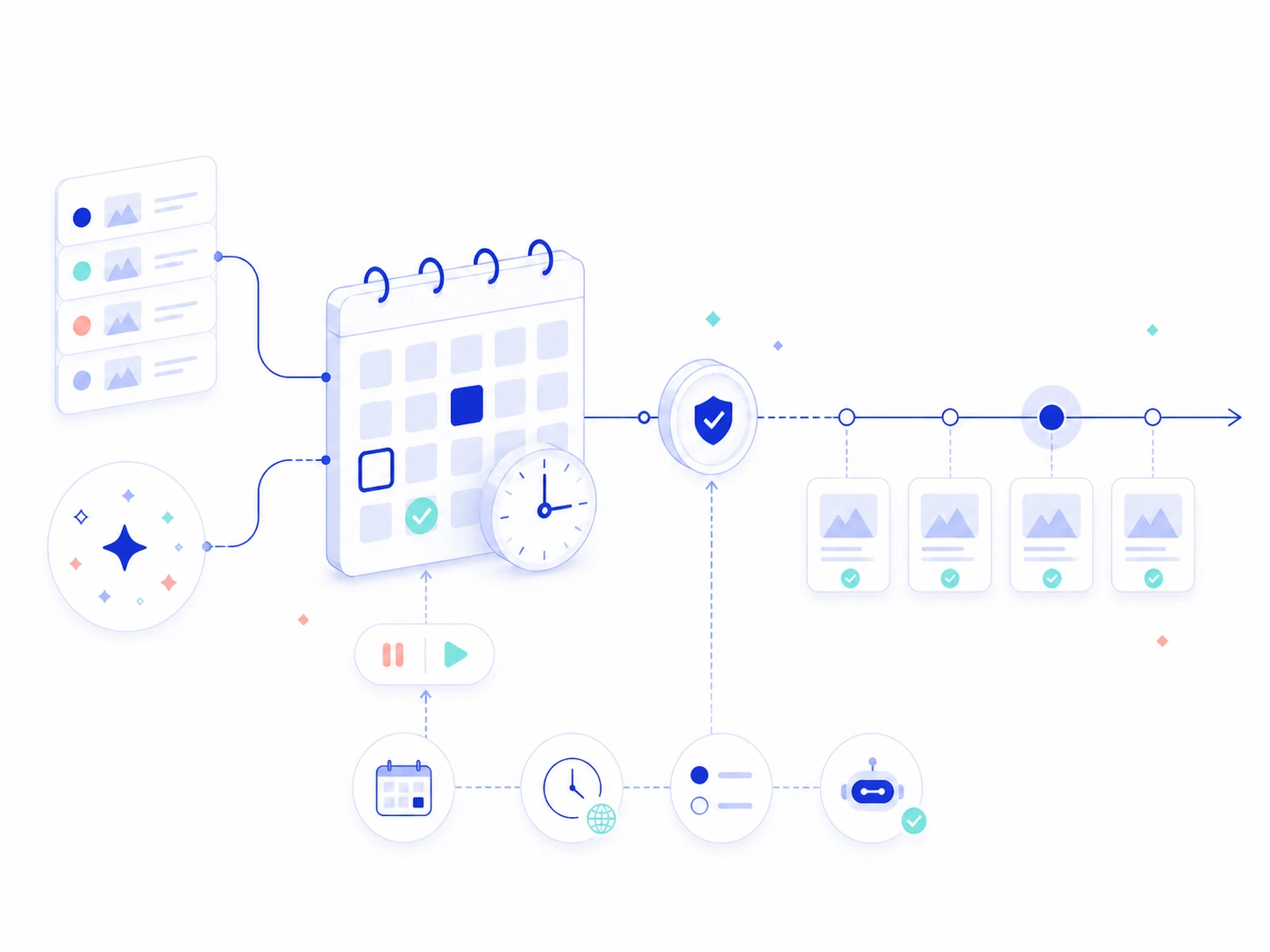
Illustration of a shared topic queue moving through a calendar, visible review gate, and controlled publishing cadence

What your team gets today.

Everything here works on one account.

A review gate

Each post comes with its fact-check report. A scheduled post with an open warning waits for you instead of publishing.

A shared calendar

See every planned run. Set a topic, skip a run, or let Ryterr pick. Planning is free, and a run uses a post when it starts.

Your connections

Publish to WordPress, Ghost, GitHub or a signed webhook, or let your site pull posts through the Content API.

How a team can run it.

  • One person owns the queue. They sign in, set the topics the team agreed on and read each post's findings.
  • The team edits the post. Edit in Ryterr's editor, or share the exported Markdown or HTML and bring the changes back.
  • The brand profile holds your rules. Product, audience, voice and banned words apply to every post, so you correct a rule once.
  • Publishing goes through your connections. WordPress, Ghost, GitHub or a signed webhook, set up once in Settings.

What one seat means today.

Solo is $35 a month, plus tax where it applies. Start with 2 free posts and run one topic your team has been putting off.

See every limit on the pricing page
  • One seat per account. One login runs the queue.
  • No roles, comments or member permissions yet. Ryterr does not offer them today.
  • 20 posts a month, and extra posts are $2 each.
  • One Solo plan per site, all on one bill for the sites your team looks after.

Questions from teams

Something else on your mind? Write to us.

Can my teammates sign in to the same account?

Solo has one seat, and Ryterr has no roles or per-person permissions yet. One person signs in and runs the account, and the rest of the team works from what they share.

How does my team review a post?

Whoever runs the account reads the fact-check report and edits in the editor. To get changes from others, share the exported Markdown or HTML, then bring the edits back before you publish.

Can we plan a month together?

Yes. The calendar shows every planned run. Set a topic for a run, skip one, or let Ryterr pick. Planning costs nothing, and a run uses a post when it starts.

Will a post publish without anyone looking?

A scheduled post with an open warning always waits for review. If you turn on auto-publish for a schedule, only posts with no open warning go out on their own.

Put one backlog topic through it.

2 posts free, no card needed. Bring a topic your team has been sitting on.